close
Drupal is a content management system which allows you to create and maintain many different types of websites without needing to know any coding language. Drupal is a free and open-source content management framework written in PHP. Strong security and user friendly interface make Drupal as a most popular web application framework.
The following tutorial provides step by step instructions about Drupal project installation and Drupal website setup or configuration for the beginners. Also please keep in mind this tutorial is for Drupal 7.
drupal/.sites/default/default.settings.php. Before you run the installation script, you need to copy the default.settings.php file and save the new file as settings.php in the same directory.chmoda+w sites/default/settings.php
or
chmod 666 sites/default/settings.php.
sites/default directory to allow the install script to create a files directory
chmoda+w sites/default.
chmod 644 sites/default/settings.php
chmod 755 sites/default
http://localhost/drupal.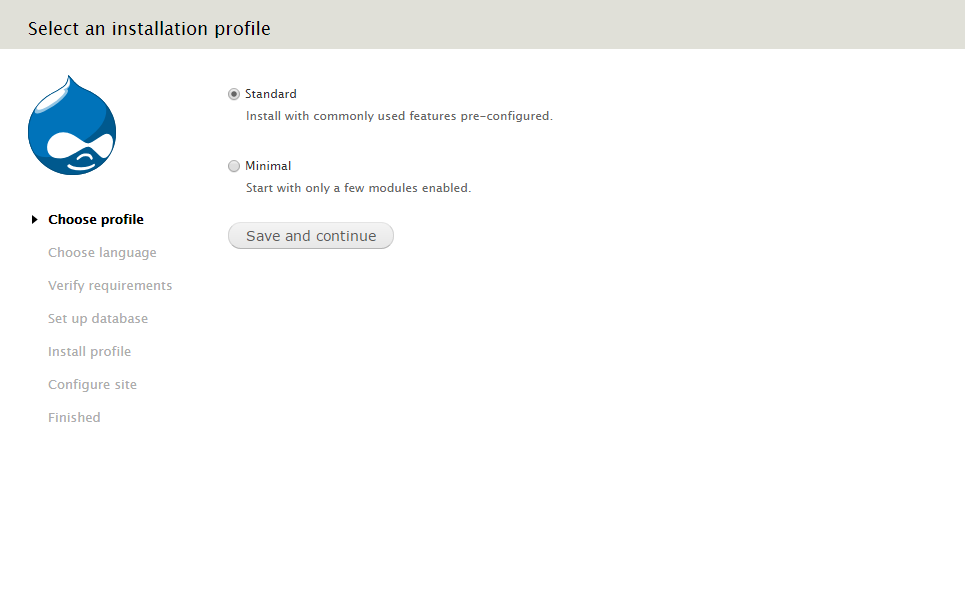
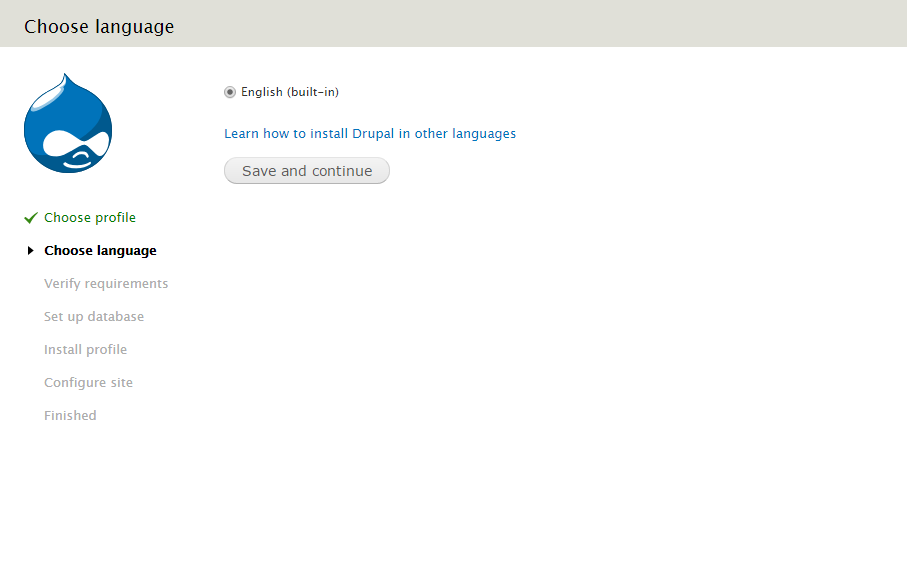
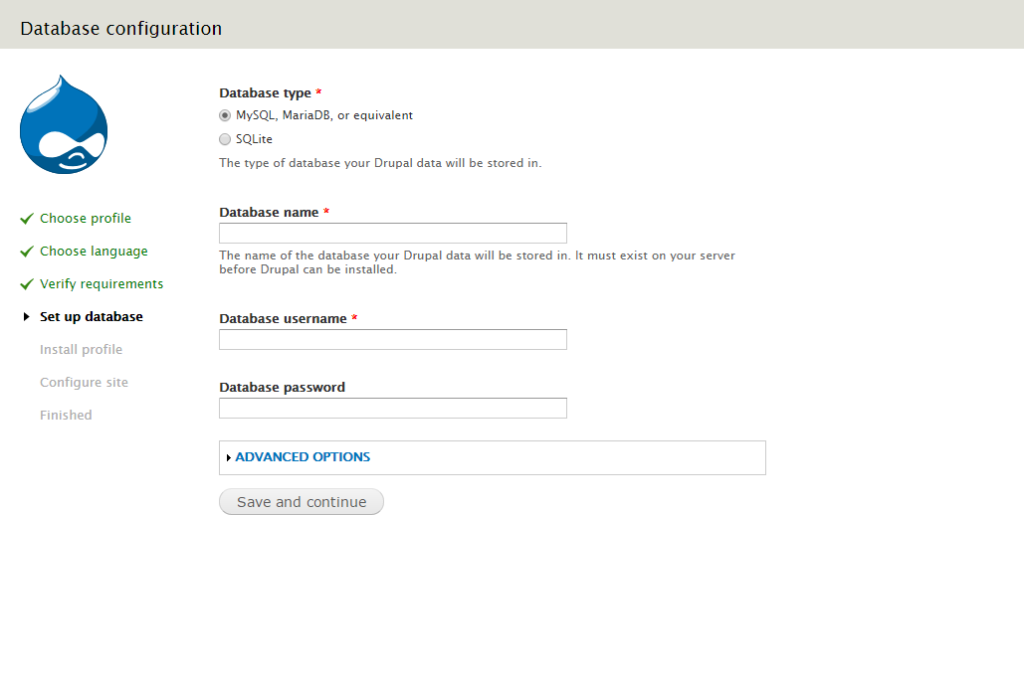
If you want to change the database host or port or add table prefix, then you can configure from ADVANCED OPTIONS section.
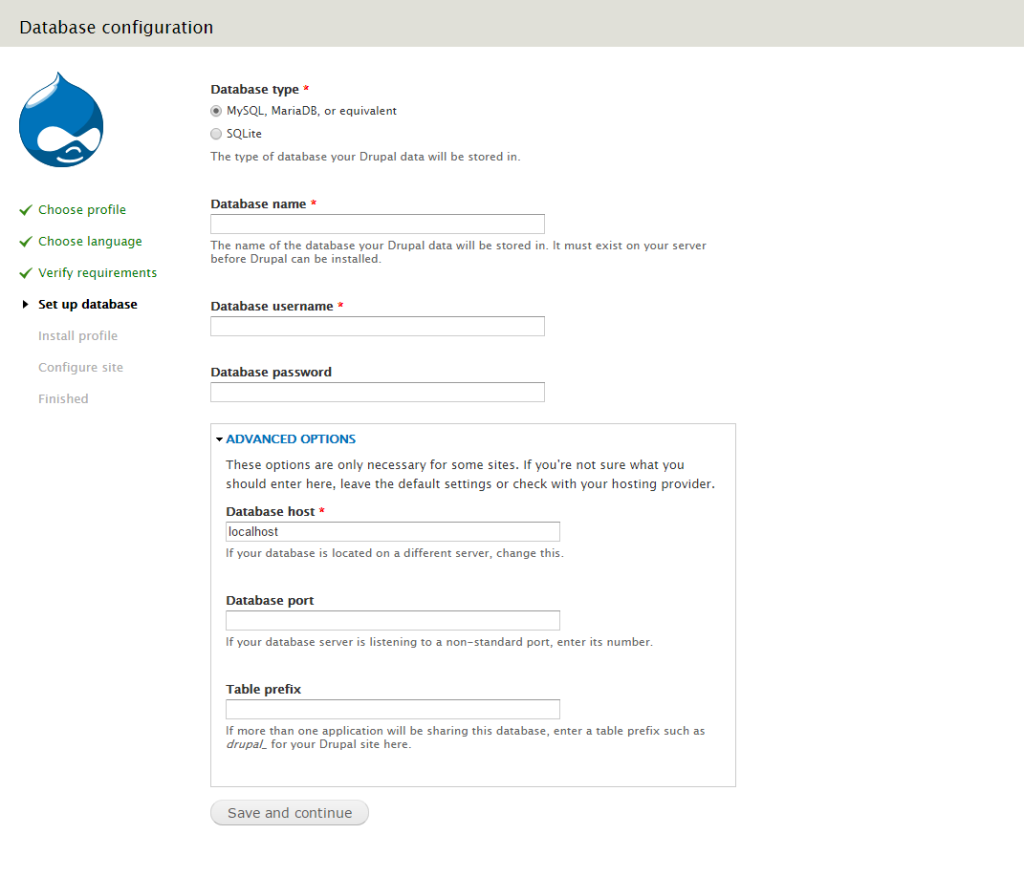
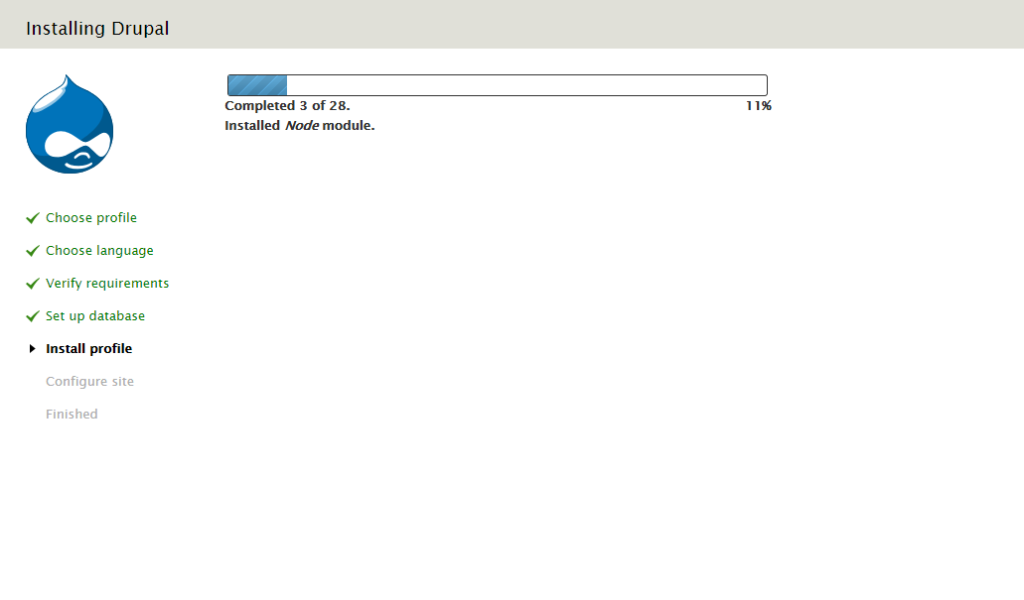
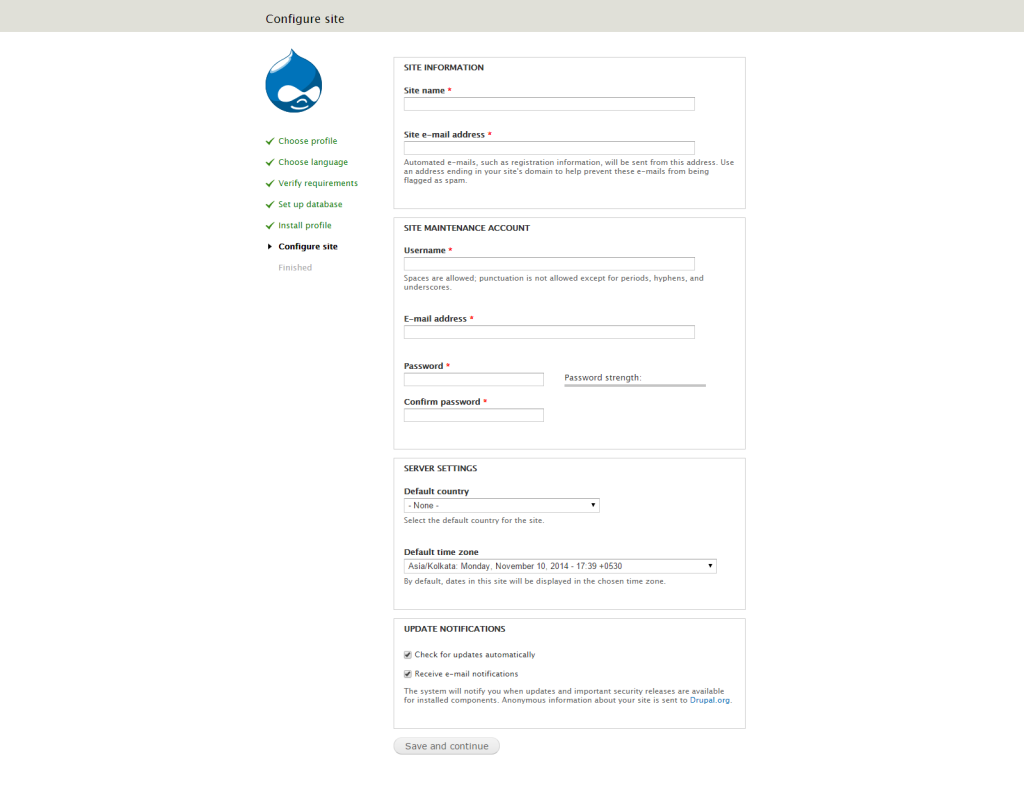
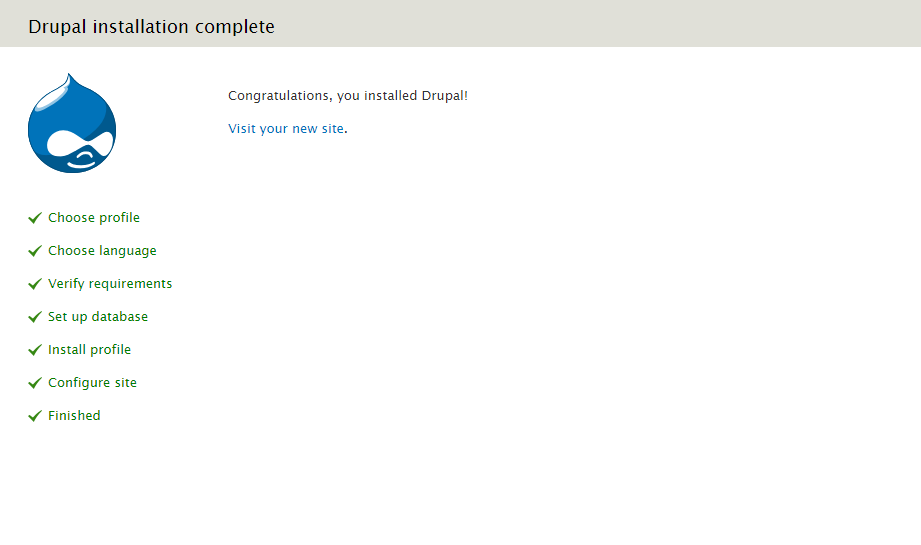
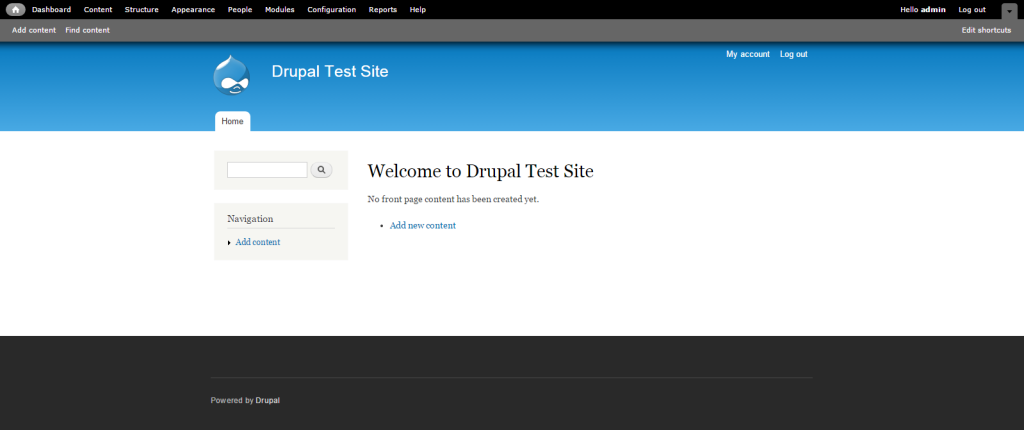
http://localhost/drupal/admin.
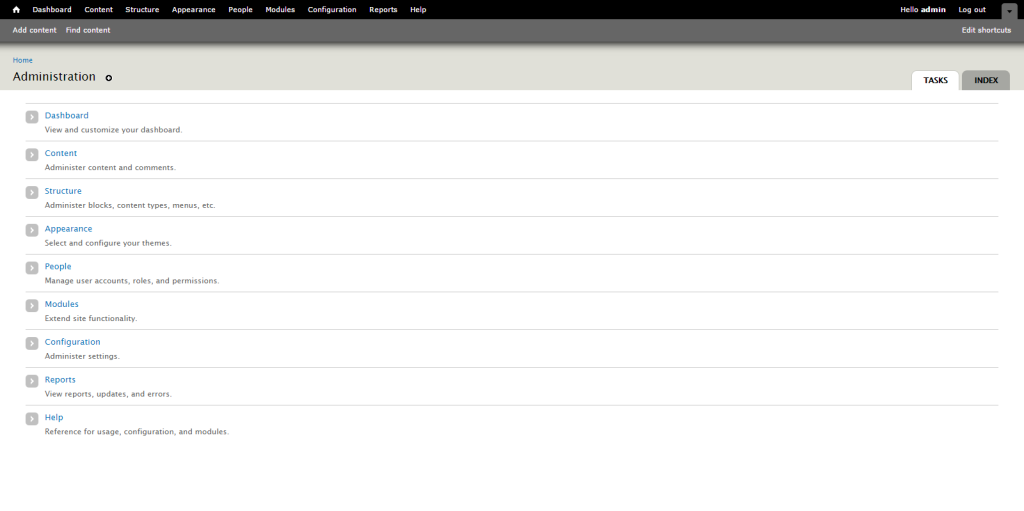
http://localhost/drupal/admin URL, you’ll access by http://localhost/drupal/?q=user URL. example.com/user instead of example.com/?q=user. Click on the “Configuration” link => click on the “Clean URLs” link from “SEARCH AND METADATA” section => check “Enable clean URLs” option => save configuration.On the above tutorial we have been described the basic configuration and installation guide of the Drupal 7. In our next post we will be described advanced label configuration in Drupal 7.
Looking for expert assistance to implement or extend this script’s functionality? Submit a Service Request
💰 Budget-friendly • 🌍 Global clients • 🚀 Production-ready solutions