close
The LinkedIn application needs to be created for working with LinkedIn API. The Client ID and Client Secret are required to authenticate with LinkedIn API. By creating a LinkedIn App, you can generate the API Key or Consumer Key or Client ID and API Secret or Consumer Secret or Client Secret.
The most cases, the LinkedIn App credentials are used in Sign In with LinkedIn to get basic member profile data. In this tutorial, you will show you how to create a LinkedIn App, and generate Client ID & Client Secret to connect with LinkedIn API.
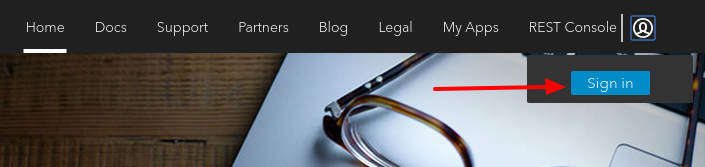
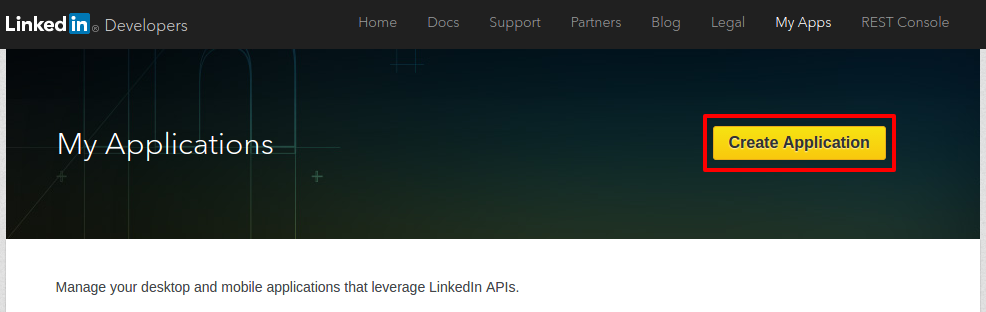
Follow the step-by-step guide to get App ID and App Secret from the LinkedIn app, it will require for authenticating your web application with LinkedIn.
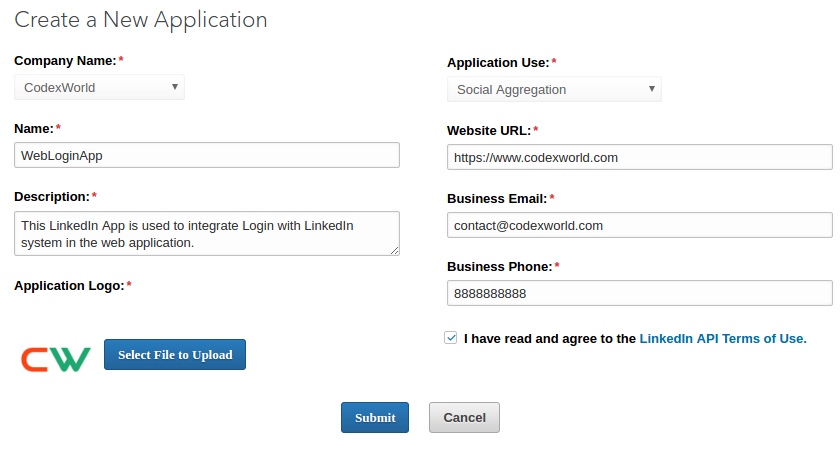
Once done, click the Submit button.
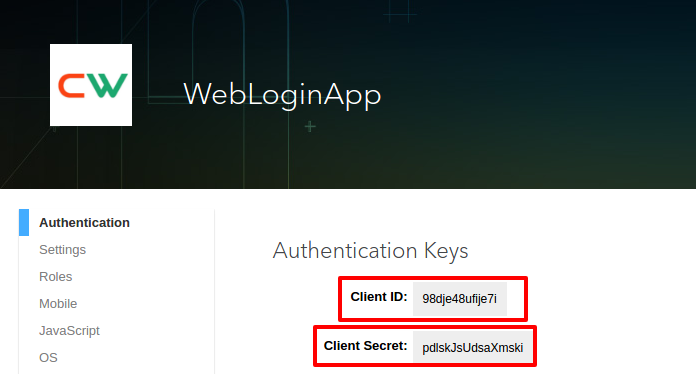
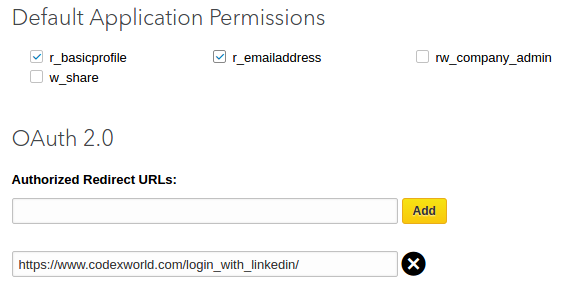
After configuring additional settings, click the Update to update App configuration.
Looking for expert assistance to implement or extend this script’s functionality? Submit a Service Request
💰 Budget-friendly • 🌍 Global clients • 🚀 Production-ready solutions

This is very helpful article for me.
Thanks! You